.avif)


Can AI Replace IT Support, or Is It More Important Than Ever?
%20(1).webp)
Andrew

Key Takeaways
- AI will not replace IT support for SMEs in the 2020s and beyond. Instead, it has automated routine tasks and made competent IT support more critical, not less.
- AI tools like Microsoft 365 Copilot and automated monitoring have reduced repetitive tickets, but they have increased the need for human oversight, security governance and strategic decision-making.
- Small businesses still need a named IT contact who understands their systems, risks, budgets and staff. AI cannot negotiate with your landlord, speak to your insurer or explain your setup to a regulator.
- The biggest risk is unmanaged or “DIY” AI adoption by staff. Without IT involvement, this can create data leaks, compliance breaches and hidden costs that spiral quickly.
- This article provides practical guidance so a non-technical owner or manager can decide how to blend AI tools with internal or outsourced IT support.
What Do We Mean by “AI” and “IT Support” in a Small Business?
Before discussing whether AI can replace IT support, it helps to be clear about what these terms actually mean in practice. This section defines both so the rest of the article is straightforward to follow.
AI in everyday business is no longer science fiction or reserved for tech giants. In 2026, it means tools most SMEs already have access to:
- Microsoft 365 Copilot that drafts emails, summarises meetings and analyses spreadsheets in Excel
- Google Gemini built into Gmail and Google Workspace
- AI transcription and meeting summaries in Zoom and Teams
- Chatbot tools on websites that handle basic customer queries
- Spam and phishing filters that use machine learning to spot threats
These AI systems rely on powerful computers to process data, identify patterns and perform tasks such as language understanding and decision-making.
These are generative AI and AI systems that work alongside your existing software. They learn from training data and improve through reinforcement learning based on human feedback.
The idea of machines 'thinking' or having ideas has been around for decades, influencing how artificial intelligence has developed and is now applied in business.
IT support from an SME perspective covers the practical work that keeps your business running:
- Helpdesk for day-to-day issues (printers, passwords, “my laptop won’t connect”), providing details about products, order status, and troubleshooting steps
- Managing Microsoft 365, email and cloud storage
- Backups and business continuity
- Cyber security basics including malware protection and secure configuration
- Network and Wi-Fi management
- Hardware procurement and lifecycle
- Vendor liaison with internet providers, software suppliers and phone systems
Effective IT support involves guiding users through the process of resolving technical issues and maintaining secure systems.
For a 10–200 employee business in the UK, IT support might be one internal IT person, an outsourced MSP like Serveline or a combination of both.
This article focuses on real SME environments – office-based, hybrid, and field staff – rather than enterprise data science labs or research organisations.
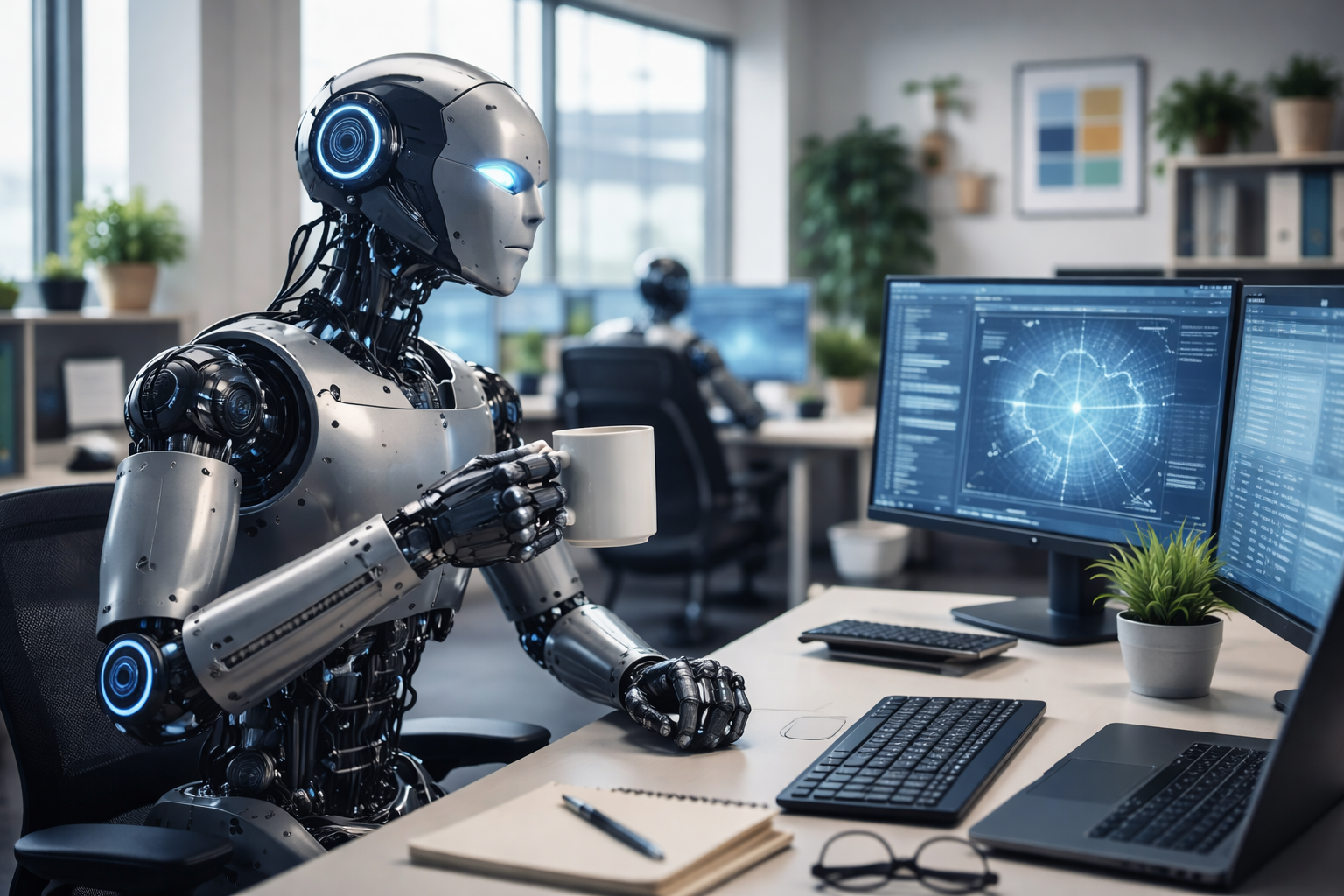
Can AI Realistically Replace IT Support Today?
No – in 2026 AI cannot safely replace IT support for a typical small or mid-sized business. It can automate tasks, but it cannot take full responsibility for your systems, risks and staff.
What AI tools already automate or assist with
Self-service flows that verify identity and reset passwords without helpdesk involvement
Chatbots that guide users through simple fixes before escalating issues
Automation and scripts that push updates across devices, often overnight
AI that scans large volumes of log data and flags anomalies for review
Automatic categorisation and routing of support requests
These capabilities are real and have improved rapidly. As of 2026, AI copilots are embedded in the majority of enterprise workplace applications, with many businesses reporting enhanced productivity and streamlined workflows thanks to integrated AI assistance. This widespread adoption has made AI an indispensable part of everyday IT support, helping automate routine tasks while enabling IT professionals to focus on strategic and security-critical work.
What AI cannot own in 2026
- Designing your network architecture and deciding which systems belong on-premise versus in the cloud
- Choosing suppliers based on your budget, industry and growth plans
- Negotiating contracts with software vendors, internet providers or hardware suppliers
- Dealing with landlords, ISPs or building management about cabling and access
- Interpreting cyber insurance requirements and making sure your setup meets the policy terms
- Speaking to staff in a crisis when email is down and people are worried
- Understanding your specific business processes and how IT serves them
Legal and contractual responsibility
Insurers, auditors, and regulators still expect a named human or company to be accountable for IT and cyber security. If something goes wrong – a data breach, a ransomware attack or a compliance failure – saying “the AI did it” will not satisfy the Information Commissioner’s Office or your cyber liability insurer.
Even organisations with heavy AI investment - such as banks, NHS trusts and local councils - continue to rely on and grow human IT teams. Research from Deloitte consistently shows that AI is being used to augment human expertise, not replace it, with CIOs increasingly focused on redesigning operating models so humans and AI work together rather than removing people from the equation.
If enterprises with unlimited budgets are not replacing their IT staff with AI, it would be unwise for SMEs to try.
Where AI Has Genuinely Improved IT Support
AI is valuable when used by, not instead of, your IT function. The right approach treats AI as a tool that makes good IT support better, faster, and more proactive.
Modern IT support uses tools that scan logs around the clock, flag unusual sign-ins to Microsoft 365 accounts, spot failing hard drives before they crash and create tickets automatically when something needs attention. This kind of monitoring used to require expensive enterprise software. Now, AI-enabled tools make it accessible for medium sized organisations and smaller.
AI-assisted helpdesk
AI helps technicians work faster:
- Copilot chat tools suggest fixes based on similar past tickets
- Knowledge hub systems generate knowledge base articles from resolved issues
- AI summarises complex incidents so the next technician can pick up quickly
This does not replace the technician – it makes them more effective.
A practical SME example
Consider a 40-person accountancy firm with sensitive client data. They use automated phishing detection and AI-based email filtering. The system catches more malicious emails than manual review ever could, quarantining threats before staff even see them. But when something unusual happens – a genuine email flagged incorrectly, or a sophisticated attack that needs investigation – a human IT professional reviews the situation and decides what to do.
Benefits that matter to owners and managers
- Faster response times
Routine issues are resolved in minutes rather than hours - Fewer recurring problems
AI identifies patterns and helps suggest permanent fixes - Clearer reporting
Dashboards show what happened, when, and why - More predictable costs
Automation reduces unexpected spikes in support workload
Well-run providers are transparent about where AI is used and ensure a human answers complex or sensitive queries. You should expect practical support that combines both.
New Risks AI Introduces Without Proper IT Support
AI creates new cyber security risks and compliance challenges that require competent IT oversight. Without it, AI adoption becomes chaotic and dangerous. Achieving confidence in your supply chain security often involves verifying that suppliers have robust cybersecurity measures in place, such as obtaining certifications like Cyber Essentials.
Data leakage risk
Staff may paste confidential client information into public AI tools without thinking. Free ChatGPT accounts, for example, may use your input as training data unless you configure settings carefully. A solicitor drafting a contract, an accountant entering client financials, or an HR manager describing a disciplinary situation – all could inadvertently share sensitive data with systems outside your control.
Shadow IT
Employees signing up for AI-based services with personal credit cards – automation tools, writing assistants, image generators – create shadow IT that stores company data in unknown locations. Without central visibility, you cannot manage access, enforce policies, or respond to a breach.
AI-powered cyber attacks
AI-generated phishing emails are more convincing than ever. Deepfake voice and video can impersonate directors convincingly enough to authorise payments. The National Cyber Security Centre warns that these attacks have become more common from 2024 onwards. Your staff need training and your systems need layers of protection.
Compliance and contracts
Sectors like legal, financial services and healthcare have strict data handling requirements. Any business with Cyber Essentials certification, ISO 27001, or contractual data protection commitments may breach terms by using unmanaged AI tools. Supply chains increasingly demand proof of security controls.
Without a competent IT partner, AI adoption leads to multiple overlapping tools, no central policy, no audit trail, and higher breach risk.
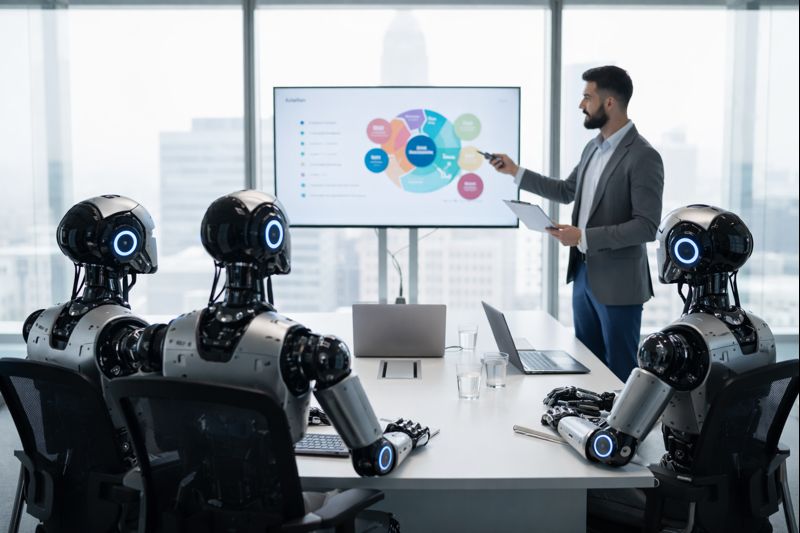
Realistic Scenarios for SMEs
Scenario 1: The document storage problem
An office manager signs up to an AI document tool that promises to organise contracts automatically. The service stores all files in a US data centre. Nobody checks the terms of service. Three months later, a client asks where their contracts are stored for GDPR purposes, and the business cannot answer confidently.
An IT support partner could have reviewed the tool beforehand, checked data location, and either approved it with safeguards or suggested a compliant alternative.
Scenario 2: The email automation mistake
A sales team uses an AI email writer to speed up responses. The tool pulls from old templates and occasionally sends outdated pricing or incorrect legal wording. A customer accepts a quote that should not have been valid. The business has to honour it or damage the relationship.
IT support could have configured the tool with approved templates, set up review workflows and ensured the system only uses current, accurate information.
Scenario 3: The firewall incident
A director wants to set up remote access for a new employee. They use AI to find instructions online and follow a guide that opens firewall ports. The configuration weakens security and invalidates the company’s Cyber Essentials readiness. The next audit flags the issue.
With hands on support from an IT provider, this would have been done properly – using secure methods like VPN or Microsoft 365 remote access rather than weakening perimeter security. Evidence of compliance is often submitted through an online line or digital assessment platform as part of the certification process.
Readiness and Preparation: What SMEs Need Before Adopting AI in IT Support
Before diving into AI-powered IT support, Small to Medium-sized Enterprises (SMEs) need to ensure their foundations are secure and their teams are prepared. In today’s digital landscape, cyber security is a business-critical priority. The National Cyber Security Centre (NCSC) strongly recommends that organisations take proactive steps to guard against cyber attacks and the Cyber Essentials scheme is a proven starting point.
Assessing Your Readiness
The first step for any SME is to evaluate their current IT environment. This means looking at your existing systems, understanding where sensitive data is stored and identifying any gaps in your cyber security posture. Are your devices and networks configured securely? Do you have robust malware protection in place? Are your supply chains and third-party services vetted for security? These questions are essential before introducing new AI systems that could interact with your business data.
Leveraging the Cyber Essentials Scheme
The Cyber Essentials scheme provides a clear framework for organisations to follow, helping you implement essential cyber security controls and reduce your exposure to common threats. Achieving Cyber Essentials certification not only demonstrates your commitment to security but also reassures customers and partners that you take cyber security risks seriously. The scheme’s Readiness Tool offers practical support, guiding you through the technical requirements and helping you prepare for certification.
Practical Support and Trusted Resources
Effective cyber security advice is invaluable, especially when adopting new technologies like AI. SMEs should seek hands-on support from certified professionals who understand both the technical and business implications of AI adoption. The NCSC’s Knowledge Hub is a go-to resource, offering up-to-date information, best practices and detailed guidance on everything from secure configuration to managing training data and supply chains.
Opportunities and Challenges with AI Systems
AI systems, including generative AI and reinforcement learning models, can significantly enhance your cyber security by automating threat detection, improving malware protection and streamlining routine tasks. However, these benefits come with challenges. High-quality training data is essential for effective AI and organisations must remain vigilant about the risks of data leakage, model bias and evolving cyber attacks. Ensuring your infrastructure is ready and your staff are trained is key to a successful AI integration.
Getting Started with Microsoft 365 Copilot and AI Tools
For many SMEs, Microsoft 365 offers a practical entry point into AI-powered productivity and security. Features like Copilot Chat act as an AI assistant, helping users analyse data, create content and automate repetitive tasks across favorite apps like Excel and Word. These tools are available not only to business users but also to family subscribers and personal account holders, making advanced AI accessible to a wide range of organisations and individuals.
A Secure Path Forward
In summary, SMEs should make cyber security their top priority before adopting AI in IT support. By leveraging the Cyber Essentials scheme, using the Readiness Tool and seeking effective cyber security advice, you can create a secure, resilient IT environment. With the right preparation, practical support and access to trusted resources, your business will be well-positioned to harness the power of AI while guarding against the latest cyber security risks. This approach ensures your organisation is ready to meet the challenges of the internet age and protect your data, systems and reputation.
How AI Has Changed the Day-to-Day Work of IT Support
IT support used to be primarily reactive – fixing printers, resetting passwords, resolving email issues and troubleshooting connectivity problems. AI has shifted the balance toward strategic, risk-focused, and proactive work.
The shift from noise to value
AI has reduced “noise” tickets – the basic questions and routine issues that eat up support time. Password resets that used to take helpdesk calls now happen through self-service. Simple “how do I” questions get answered by built-in Copilot features.
This frees IT staff to focus on work that actually protects and improves the business:
- Implementing cyber security baselines like the Cyber Essentials controls
- Testing backups to ensure they actually work when needed
- Planning for business continuity when systems fail
- Training staff to spot phishing and handle data safely
- Evaluating new tools and ensuring they integrate properly
IT support at the management table
Modern IT support roles increasingly involve strategic decisions:
- Evaluating which AI tools are safe and useful for your organisation
- Setting acceptable use policies for generative AI
- Integrating AI features with Microsoft 365, CRM systems and phone platforms
- Advising on risk and investment for board-level discussions
IT is no longer just a cost centre. It is part of how the business operates, grows, and protects itself.
Skills IT Support Needs in the AI Era
SMEs do not need AI researchers. They need IT partners who understand how to choose and manage AI-enabled tools responsibly.
Technical skills:
- Deep knowledge of cloud platforms, especially Microsoft 365
- Understanding of data protection law including GDPR and UK data protection requirements
- Familiarity with cyber security frameworks and Cyber Essentials scheme requirements
- Vendor management and contract review capabilities
Soft skills:
- Explaining technical trade-offs in plain English
- Training non-technical teams effectively
- Writing clear AI usage policies that staff will actually follow
- Communicating with directors about risk and investment
When choosing an IT provider, ask specific questions: How do you use AI in monitoring and support? What controls do you have on AI tools? Can you show me your policy for handling client data with AI systems?
Practical Ways SMEs Can Combine AI and IT Support
Here are concrete steps a small business can take over the next 3–12 months to get the benefits of AI without losing control.
Step 1: Review current tools
List which systems already include AI features. Microsoft 365 may already have Copilot capabilities. Teams offers AI transcription. Your email security almost certainly uses machine learning. You may be paying for AI features you are not using – or using them without realising.
Step 2: Involve IT early
Before purchasing any new AI tool, ask your internal IT person or MSP to review it. Key questions:
- Where is data stored?
- Who has access?
- How does it integrate with existing systems?
- What happens to data if you stop using it?
Step 3: Create simple AI usage guidelines
A 1–2 page document in plain English covering:
- What types of data can and cannot be shared with AI tools
- Which AI tools are approved for business use
- Who to ask if unsure about a new tool
This does not need to be a complex policy. Basic clarity prevents most problems.
So, Can AI Replace IT Support for SMEs?
The short answer is no.
In 2026, AI does not replace IT support for small and medium-sized businesses - it changes what good IT support looks like. Routine tasks are automated, first-line issues are resolved faster and monitoring is more proactive. But responsibility, judgement and accountability still sit firmly with humans.
AI works best when it is embedded into a managed IT environment, overseen by people who understand your systems, your data, your industry and your risk profile. Without that oversight, AI increases exposure rather than reducing it.
For SMEs, the question is no longer whether to use AI in IT - it is who controls it, how it is governed, and how it fits into a wider support strategy.
The Bottom Line for Small Businesses
AI has already changed how IT support works, but for most small businesses the impact is practical rather than dramatic.
Routine tasks are faster, monitoring is more proactive and many everyday issues are resolved before anyone needs to raise a ticket. At the same time, responsibility has not gone away. Decisions about system design, data protection, suppliers, budgets and incident response still need to be owned by someone who understands the business.
In 2026, the most effective setups use AI as part of a managed IT environment, supported by people who know the systems and the risks involved. Clear ownership, simple policies and experienced oversight matter more than the tools themselves.
When it’s implemented properly, AI strengthens IT support and makes it more consistent and predictable. It does not remove the need for it.
A good IT provider should be able to explain where AI is used, where it is not, and why. If you cannot get clear answers, that is a risk in itself.
Need some help?
If you are unsure whether your current I.T set-up is genuinely supporting your business or quietly exposing it to unecessary risk, a short independent review can help make things much clearer.
Serveline works with SME's with 10-250 Employees, helping simplify IT, reducing disruption and making sure the basics are genuinely covered (not just assumed) - giving business owners peace of mind. Click HERE to request a free review.





-svg.webp)

